
Description
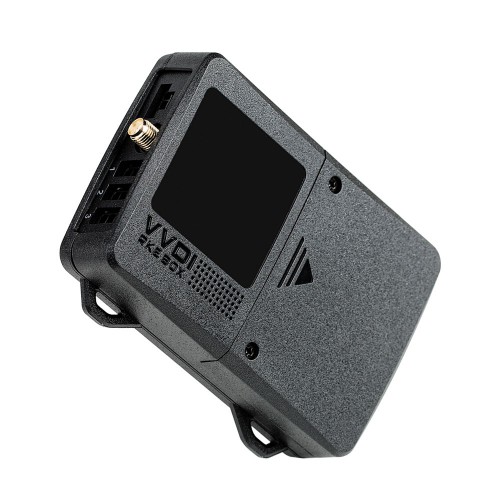
It adpots advanced RF technology and is suitable for the car with push start function.
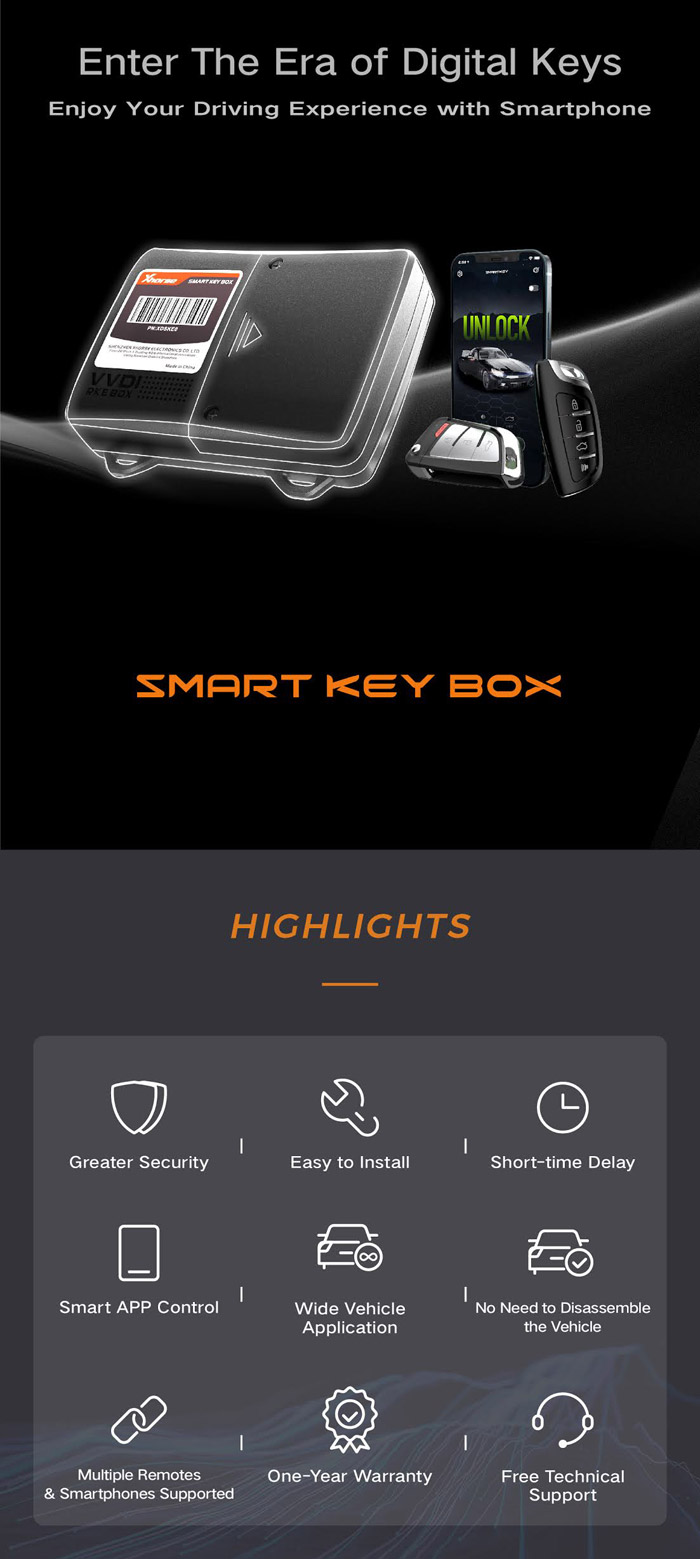
Support add smart key for carSupport add or modify the keyless-enter function
Use VVDI Device to generate remote control. Support device: MINI Key Tool, Key Tool Max, Key tool Plus, VVDI2
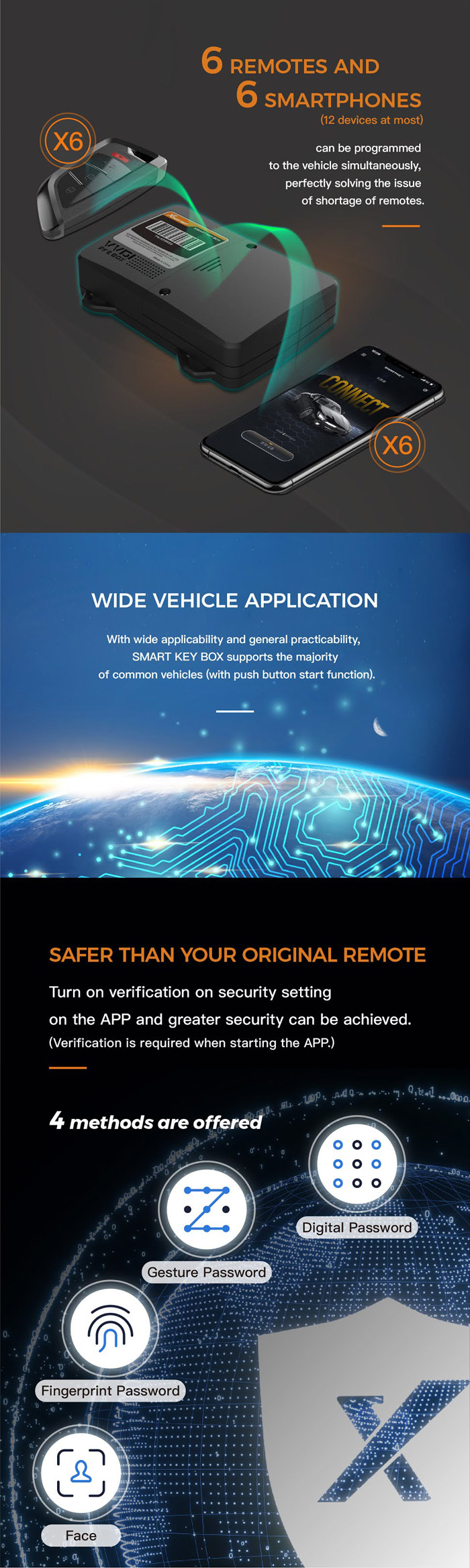
The safety index is higher than the original remote control.
You can perform “Security Settings” on the “Smart Key BOX” APP.
Even if the phone is lost, others cannot open your car.
You can “turn on verification” in the security settings.
Four security verification methods, easy to operate, prevent problems before they happen.
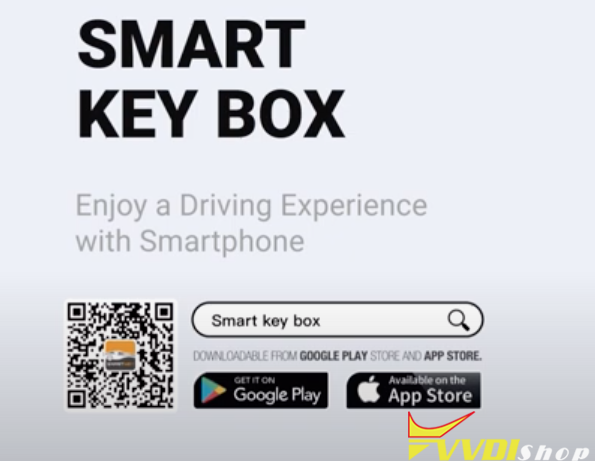
Xhorse Smart Key Box App Download:
Scan QR code here to download or search ‘Smart key box’ app in Google or Android play store, then install
How to install Xhorse Smart Box Step by Step?
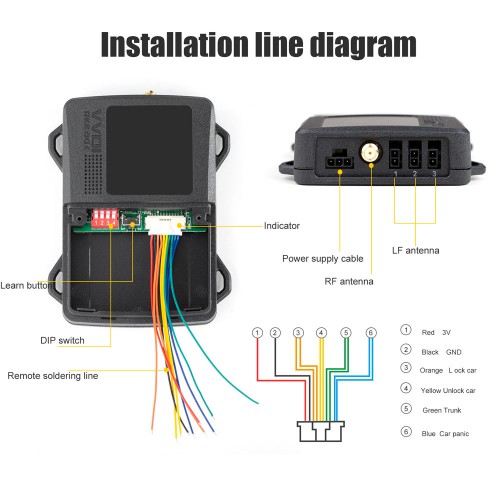
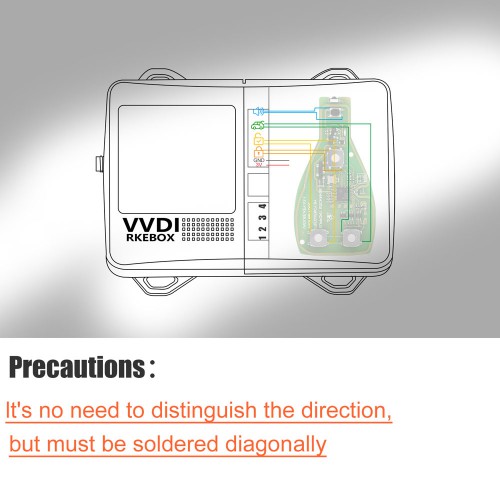
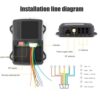
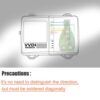
1, Take out the original remote control, solder the cable according to the soldering diagram of the original remote control, pay attention to the direction.
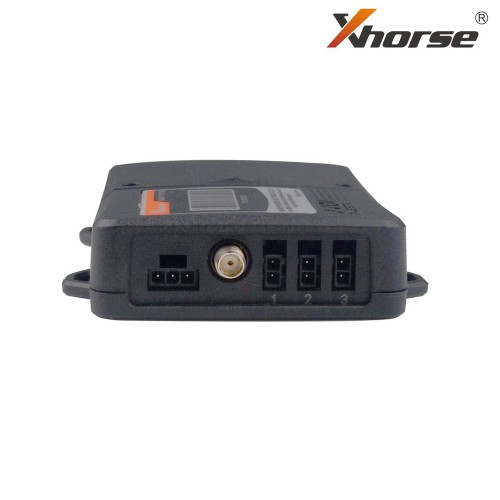
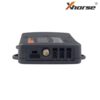
2, Connect the RF antenna, LF antenna (connect any two interfaces of L antenna), and the original remote control to be transferred.
3, Find the Vbat wire and ground wire from fuse box, OBD interface or other locations
4, Find the ACC signal line (the original car radio, the line with electricity after the navigation power onorthe instrument light on)
5, Connect the Vbat wire, ground wire and ACC wire of the power supply cable to the car
6, Setting DIP switch;
7, Bindings of remote control and mobile phone (refer to binding instruction);
8, Install complete;
9, After installed, take a key close to the car, test the automatic unlock and lock function if you stay away (test other keys in the same way)
10, Test unlock, lock, trunk and car panic function after connecting with APP.
The installation process in a glance:
- Solder Supplied Wires To The PCB Of An Xhorse Universal Remote
- Program This Remote To The Vehicle
- Connect The Smart Key Box To The Vehicle Through The OBD2 Connector
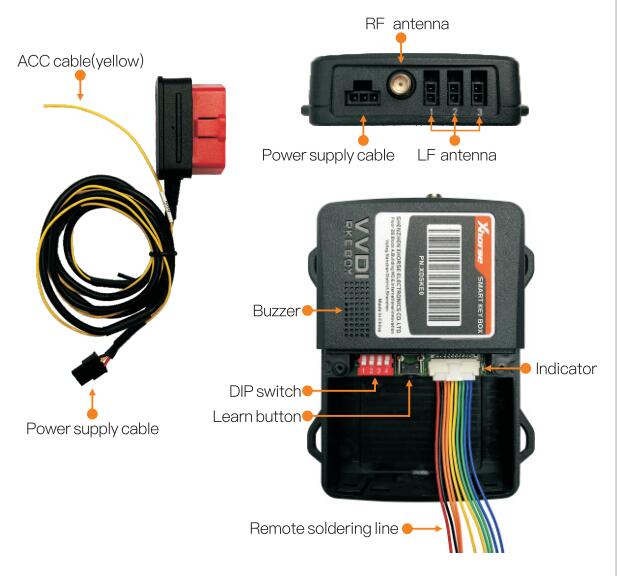
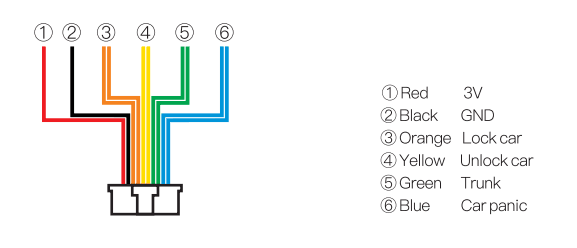
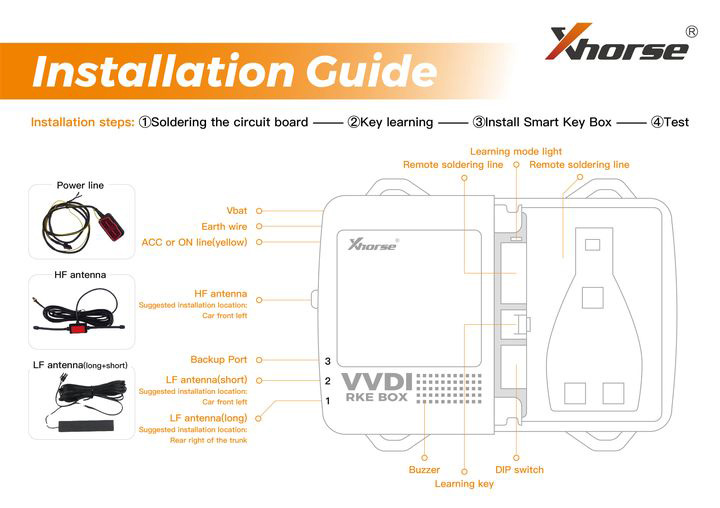
A maximum of 6 mobile phones and 6 smart keys are supported by this device.
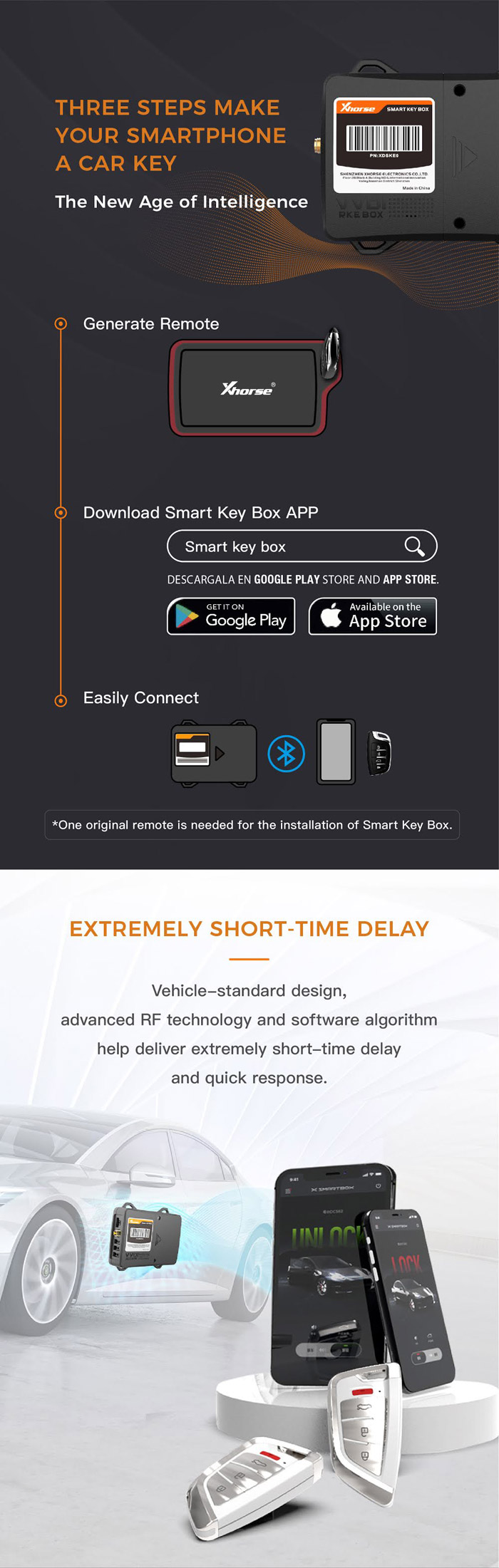
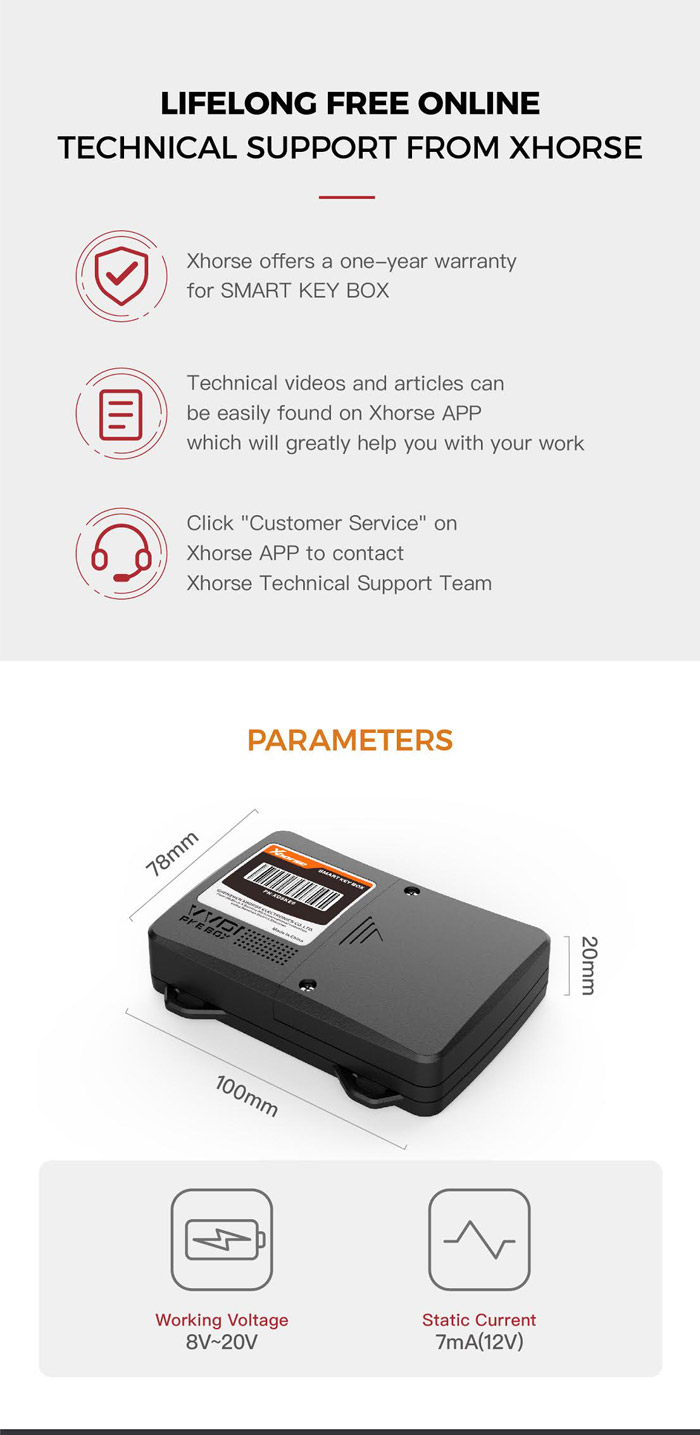
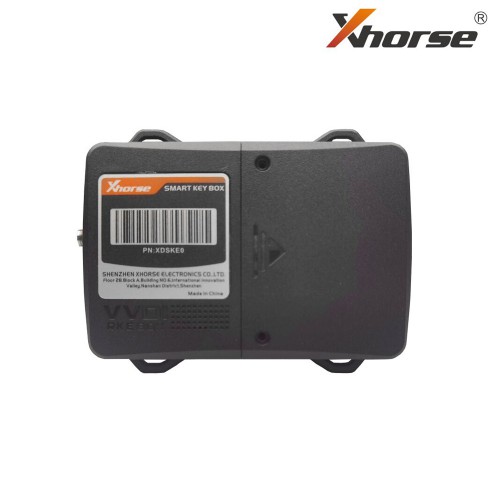
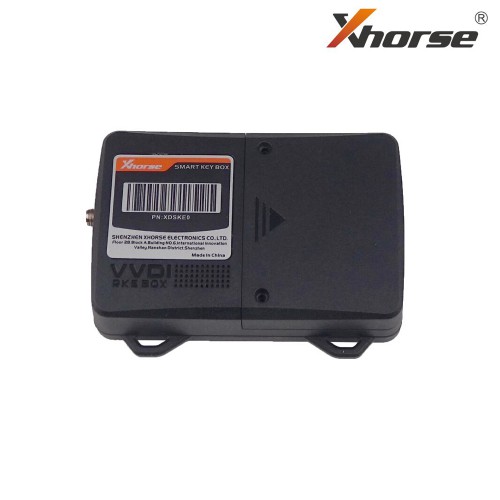
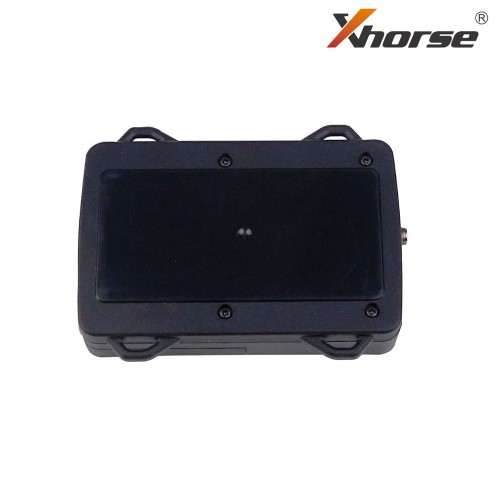
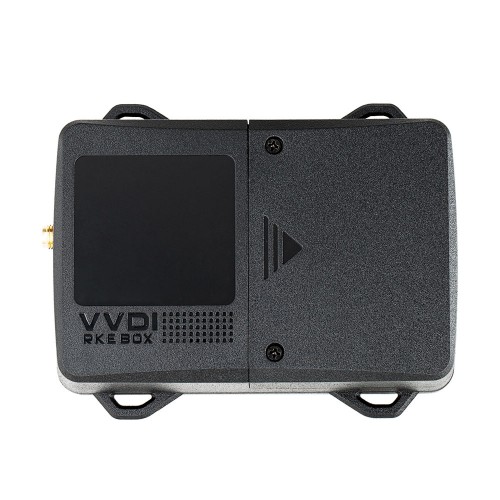
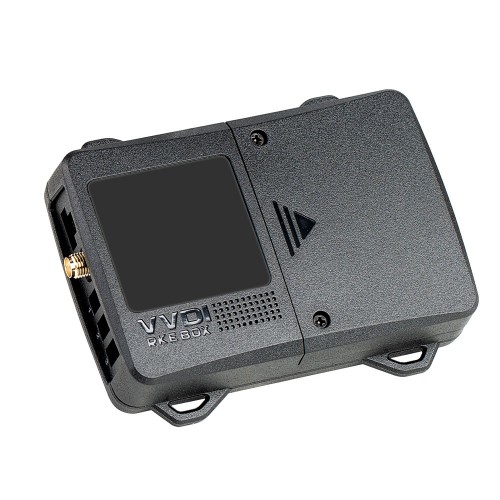
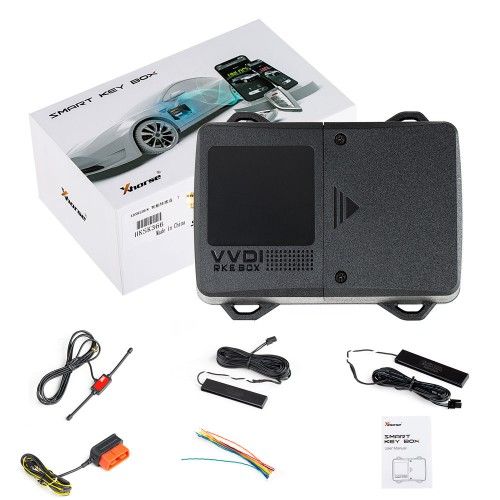
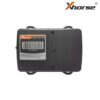
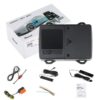
1pc smart box
2pcs LF antenna
1pc RF antenna
1pc Power supply cable
1pc User manual
1pc Product quality certificate


