
Description
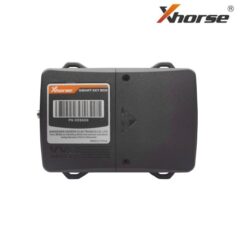
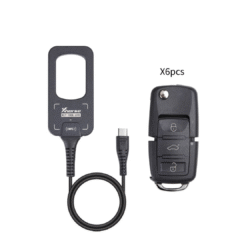
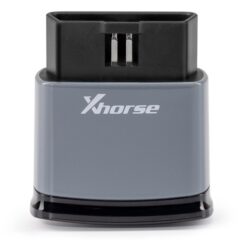
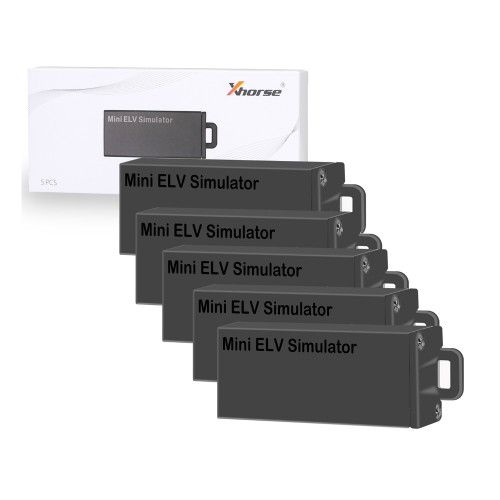
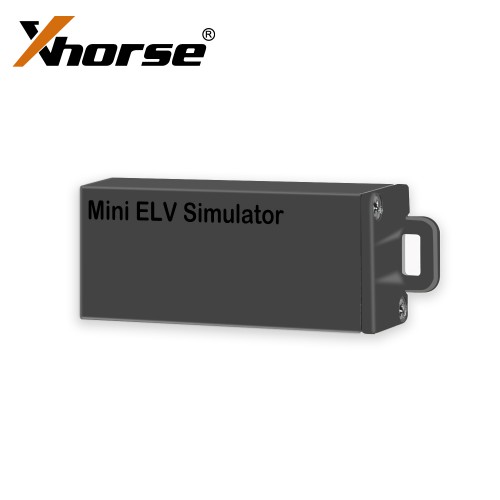
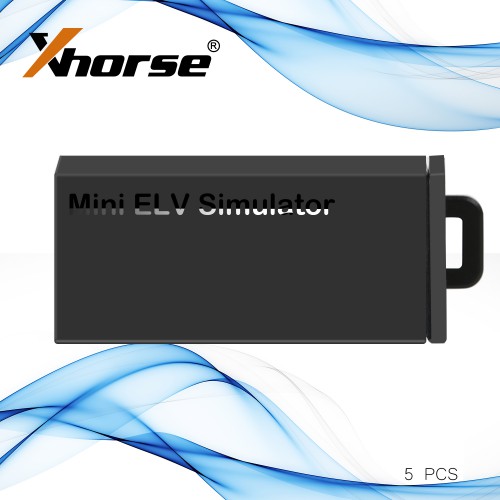
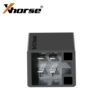
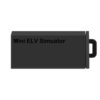
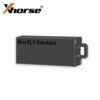
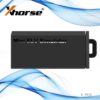
XHORSE VVDI MB MINI ELV Simulator for Benz by VVDI MB TOOL 5pcs
BENZ ELV Emulator “The ELV Won’t Break Down”
Perfectly substitute original ELV/ESL.
Can Emulate primary sound.
Great compatibility, Support all Benz vehicle with w204/w207/w212 directional lock.
Can substitute at the original place, Will not impact the appearance more stable and safety.
Note:
It’s hard to buy Mercedes 204/207 EIS and they are expensive.
If you have 204/207 all key lost, you are advised to use W212 EIS for replacement and the ESL needs to be removed.
How to tell if the ESL is damaged or NEC is locked?
Open VVDI MB Tool software, Click “Check ESL damage” and you will get any of following display:
ESL is working: means the motor is damaged and you need a new full set of ESL motor.
How to replace W204(W207 W212) ESL Emulator/ELV Simulator procedures
1. Read EIS data and save
2. Load step1 EIS data to ESL interface, paste key password
3. Select auto clear TP and Personalize, then write
after 3 steps should be work
How to replace ESL with VVDI MB BGA Tool?
Step1.
Erase EIS, then re-write EIS and personalize ESL, finally ESL is synchronized. Note: if you not erase ESL at first, but only personalize ESL, the ESL won’t be synchronized.
To erase EIS, both Key password and Erase password are required.
1) For the key password, you can get it by adding keys.
2) For the Erase password, it can be automatically get out by VVDI MB tool at 90% percent success rate, if no success, email us the EIS data for help.
After input the two passwords, click “Save EIS data” then “Erase EIS”
Now the EIS is full new
Step2.
Load EIS data
Tick “IR” to write EIS data and “OBD” to write VIN.
Step3. Click “Personalize W204 ESL”
Step4.
Now, the options “Initialized”, “TP Cleared” and “Personalized” are ticked, except “Activated”
Insert the original car key then EIS and ESL is in “Activated” status.
Finally renew ESL with success.
ELV simulator for w204 w207 w212 new style small and cheaper
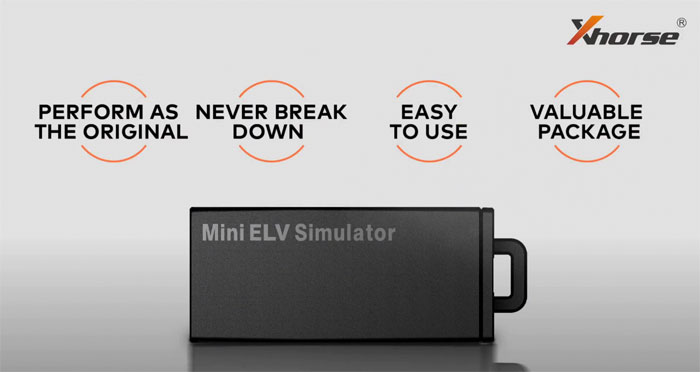
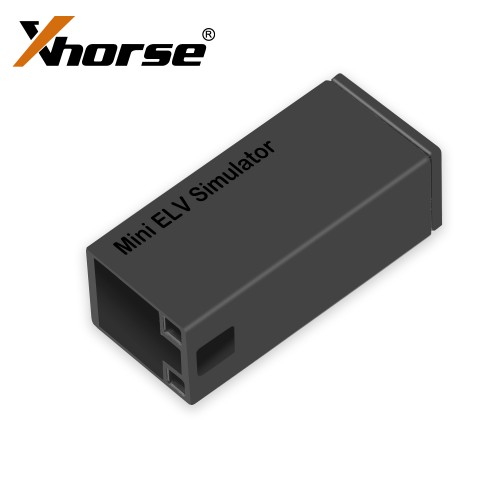
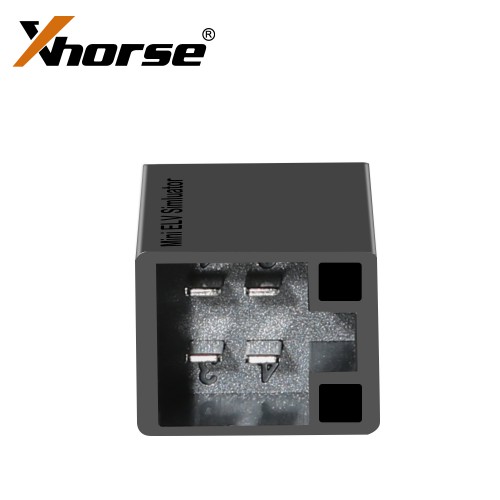
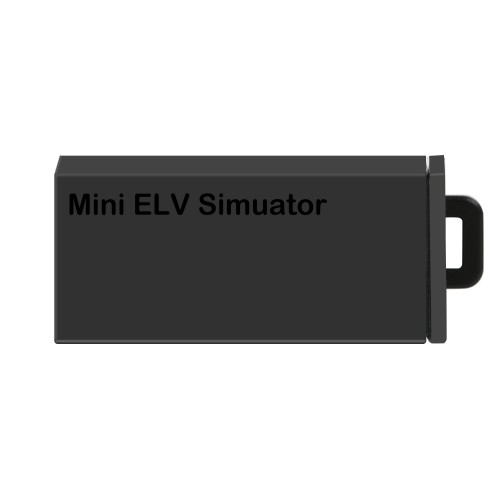
It’s dimension only 42 * 18 * 15mm (1.65 * 0.7 * 0.59 inches), 5 times smaller than the Xhorse ELV Simulator. You can even put it into your pocket or take it in hand.
Xhorse mini elv simulator, mini size but powerful functions, stable performance and excellent safety security.
- A super mini substitute for the Original elv/esl.
- Support all Benz vehicles equipped with W204/W207/W212 directional lock.
- Support directly exchange the directional lock in the position of the original car.
- Emulate the ELV sound of the Original Car.